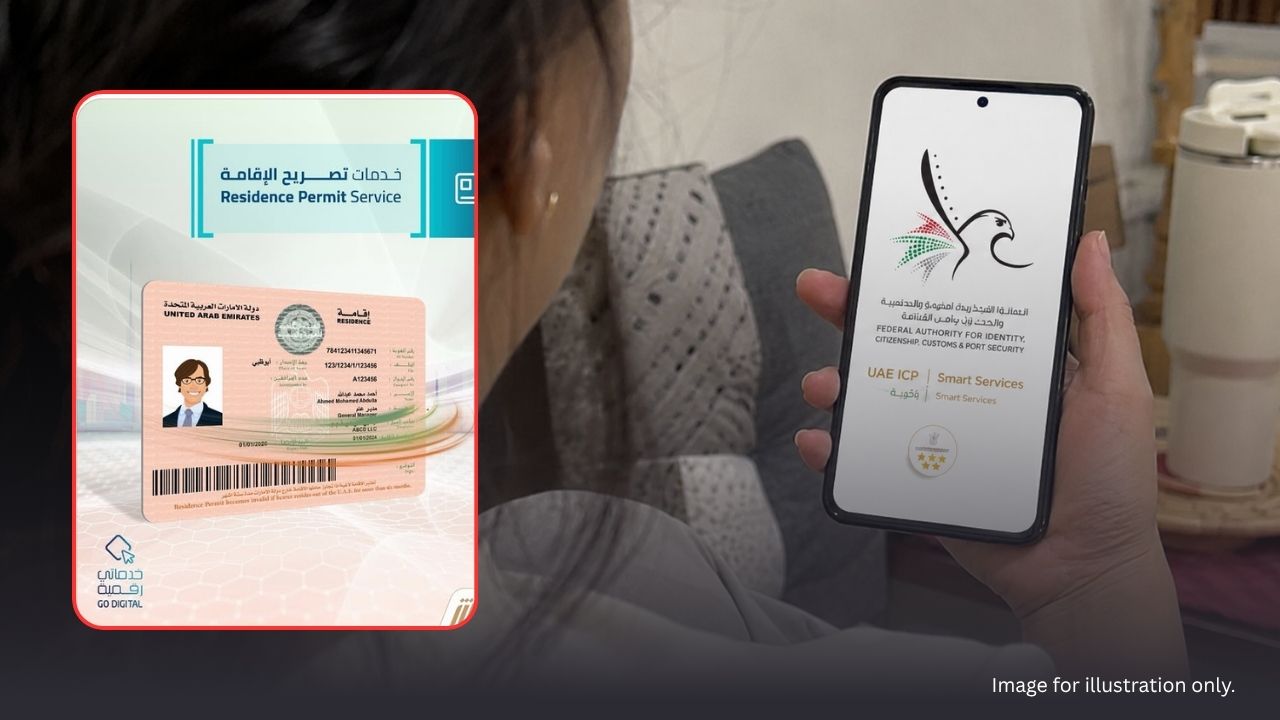
UAE: Residents who need to correct or update their residence permit details can now do the process online through the Federal Authority for Identity, Citizenship, Customs and Port Security, also known as ICP.
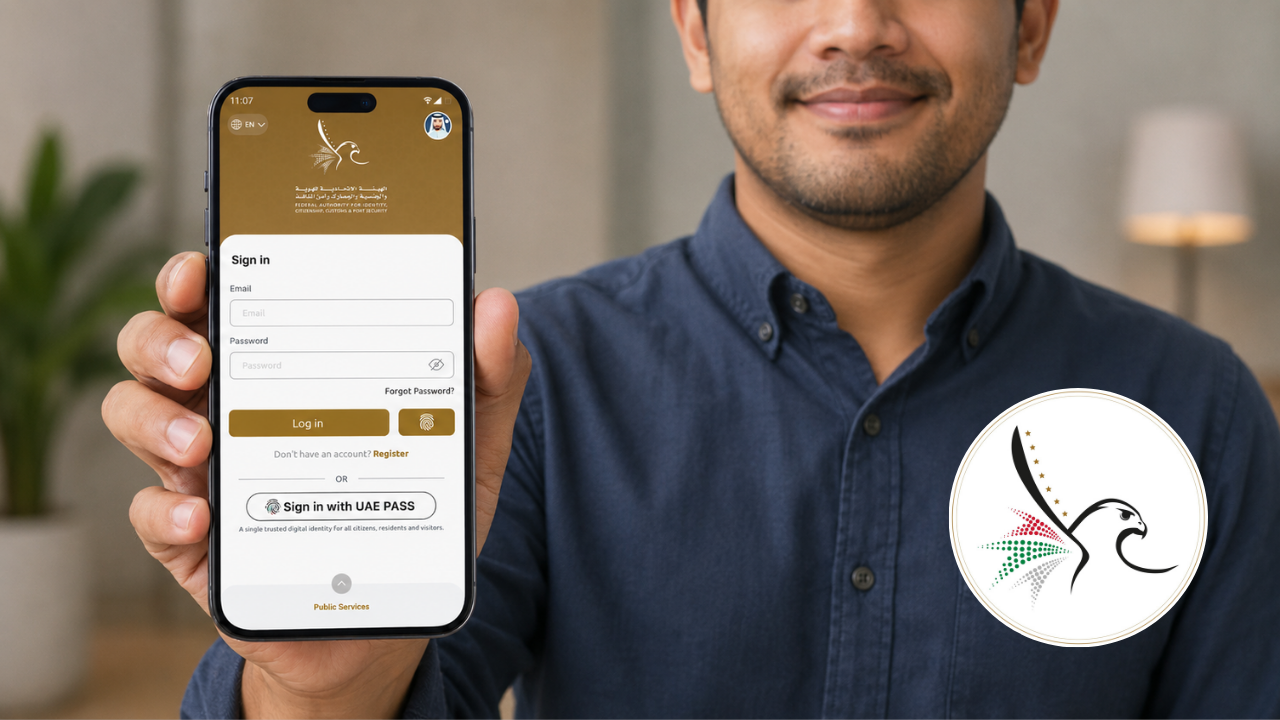
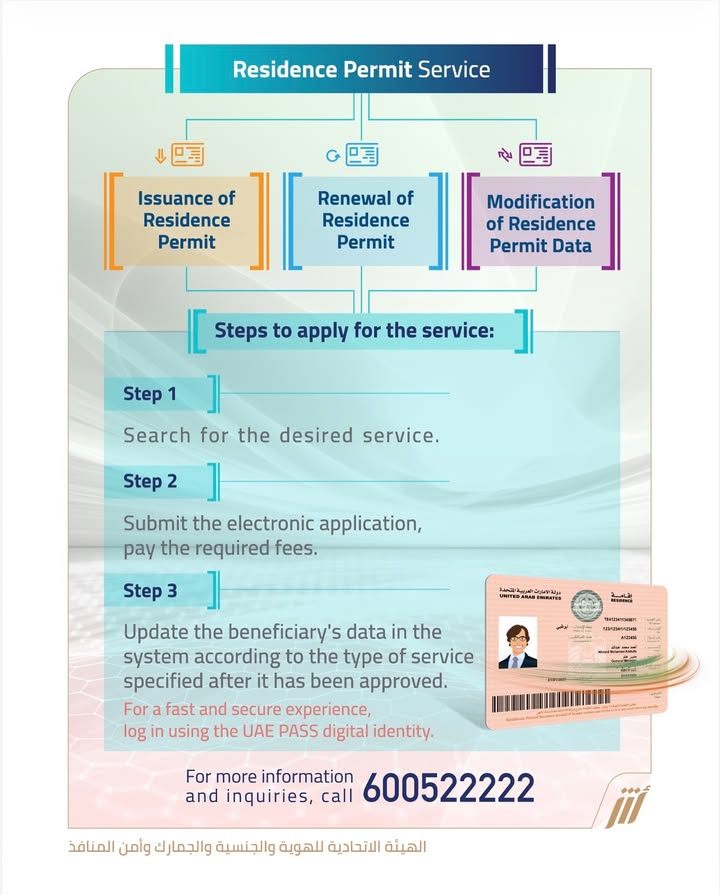
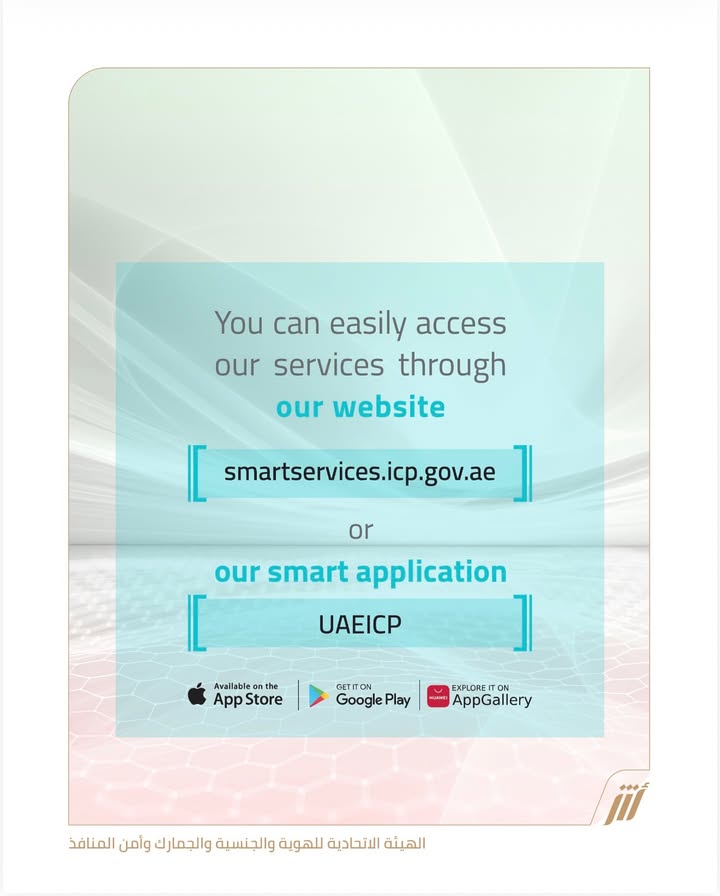
The service is available through the ICP website or the UAEICP smart app. It covers three main residence permit services:
- Issuance of residence permit
- Renewal of residence permit
- Modification or amendment of residence permit data
For many Filipino workers and expats, this service is important when personal records need to match their passport, Emirates ID, and residency file.
Contents
What Service Is This?
This guide focuses on the Amendment of Residency Permit Data service.
It allows a UAE resident to update or correct information on an existing residence permit.
This may include:
- Personal details
- Passport information
- Emirates ID-linked residency data
- Name spelling corrections
- Updated photo or document information
- Other residency details that are wrong, outdated, or incomplete
Who Usually Needs This Service?
This service is usually for:
- UAE residents with a valid residence permit
- Residents who recently received a new passport
- Residents who need to correct spelling errors in their name or details
- Residents whose information no longer matches their Emirates ID
- Employers or sponsors updating records for employees
- Sponsors updating records for domestic workers or family members
- Residents whose data failed to update automatically in the system
Step-by-Step Guide to Apply Online
Here is the basic process:
- Log in with UAE Pass. Go to the ICP website at www.icp.gov.ae or open the UAEICP smart app. Then sign in using your UAE Pass account.
- Select the individual profile. Choose the correct person for the service. This may be:
- Yourself
- A dependent
- A sponsored family member
- A worker under sponsorship
- Choose the required residency service. From the services list, select the service you need. Choose from:
- Issuance of residence permit
- Renewal of residence permit
- Amendment of residence permit data
- Review the retrieved data. The system may automatically show your existing information. Check every detail carefully, especially:
- Name spelling
- Passport number
- Nationality
- Date of birth
- Emirates ID details
- Contact information
- Attach documents if needed. If the system cannot retrieve some data, upload the required documents. These may include:
- Passport copy
- Personal photo
- Emirates ID copy
- Proof of updated details
- Other documents requested by ICP
- Pay the fees online. Pay the required fees through the website or app. Use the available digital payment options to submit your application.
- Track your application. After submission, monitor your application status online. Once approved, you should receive confirmation by email. If applicable, the Emirates ID will be delivered by courier.
Why OFWs and Expats Should Check Their Data
A small error in your residence permit record can cause bigger problems later.
It may affect:
- Job processing
- Travel
- Banking
- Emirates ID use
- Government transactions
- Visa renewal
- Sponsorship records
Before submitting, take your time. Check every field slowly. If the case is urgent or complicated, use official ICP channels or visit an approved typing center for help.